
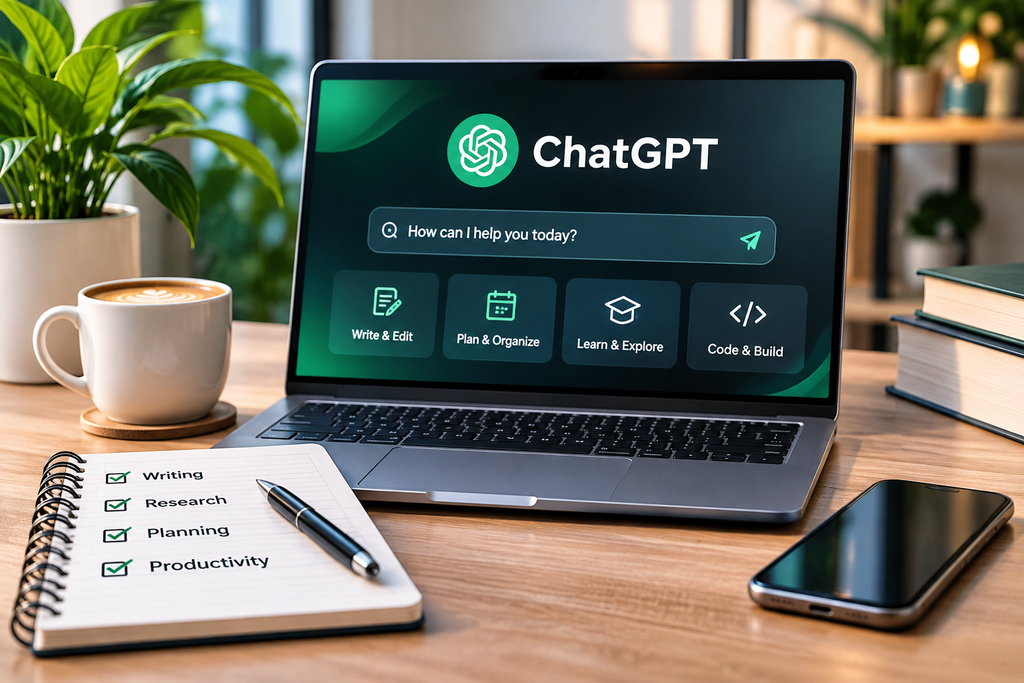
ChatGPT Review 2026 explores one of the most widely used AI assistants for writing, research, learning, and everyday productivity. Developed by OpenAI, ChatGPT helps users brainstorm ideas, explain complex topics, work with documents, and complete a variety of digital tasks.
But how useful is it really? Is the free version enough, or should you consider a paid plan?
In this detailed ChatGPT review, we’ll examine its main features, strengths, limitations, available plans, and practical use cases. We’ll also look at who may benefit most from using it.
Quick Verdict: ChatGPT is a versatile AI assistant worth exploring, especially for beginners. Its free version offers a useful starting point, while paid subscriptions may be valuable for people who regularly need expanded access. However, users should always check important information and review AI-generated content before relying on it.
What Is ChatGPT?
ChatGPT is a conversational AI assistant created by OpenAI. Users interact with it by typing questions, describing tasks, or uploading supported files.
Instead of using complicated commands, you can communicate in everyday language.
For example, you could ask ChatGPT to explain a technical term, create a blog outline, summarize a document, or suggest ways to organize a project.
Some key uses include:
- Writing and editing content
- Generating ideas and outlines
- Researching and understanding topics
- Learning programming concepts
- Summarizing documents
- Analyzing information
- Creating images with supported tools
- Planning everyday tasks
The availability of specific features depends on the subscription plan and current usage limits.
You can explore the service on the official ChatGPT website.
ChatGPT Review 2026: Key Features Explained
One of ChatGPT’s biggest advantages is that it supports multiple activities within a single interface.
Let’s look at its most useful capabilities.
1. AI Writing and Content Creation
ChatGPT can help users draft emails, create blog outlines, brainstorm article topics, and improve existing writing.
For example, a content creator might ask:
“Create a beginner-friendly outline for an article about choosing a laptop, including important questions readers should consider.”
ChatGPT can suggest a structure that the writer can then research, refine, and turn into an original article.
It can also help improve grammar, clarity, and tone.
However, AI-generated writing should never replace careful research, personal judgment, or proper editing.
2. Research and Learning Assistance
ChatGPT can explain unfamiliar concepts, break down complicated subjects, and assist with learning.
Its supported search and research tools can help users explore information from online sources.
For instance, someone researching cloud storage could ask for an explanation of how different storage methods work.
ChatGPT may help organize that information into a comparison, but important claims should still be verified.

3. Coding and Technical Assistance
ChatGPT can support programmers by explaining code, suggesting possible solutions, and helping identify errors.
Beginners may use it to understand programming concepts, while experienced users might use it to explore alternative approaches.
However, AI-generated code isn’t guaranteed to work correctly.
Any code used in a real project should be tested and reviewed for functionality and security.
4. Image Generation and File Analysis
ChatGPT also offers tools for working with images and uploaded information.
Depending on the user’s plan and available features, it can assist with image creation, document summaries, spreadsheet analysis, and understanding uploaded files.
These capabilities can be helpful for students, researchers, content creators, and professionals.
Some tools have separate usage limits, so not every feature will be available in every situation.
For more software-related articles, explore our AI & Software Guides.
ChatGPT Free vs Paid Plans
One of the most common questions is whether ChatGPT’s free version is sufficient.
ChatGPT provides free access alongside several paid subscription options.
Here is a general comparison:
| Plan | Best For | Main Consideration |
|---|---|---|
| Free | Beginners and occasional users | Access to basic features with limits on certain tools |
| Go | Users wanting expanded access | Additional access compared with the free tier |
| Plus | Regular users and professionals | Higher limits and access to additional capabilities |
| Pro | Users with demanding workloads | Greater access to advanced models and tools |
Actual pricing, available tools, and usage allowances may vary by region and change over time.
Before purchasing a subscription, check the official ChatGPT pricing page.
Is ChatGPT Free Worth Using?
For beginners, the free version is a practical place to start.
It allows users to explore AI assistance without immediately committing to a subscription.
Try a few common tasks, such as writing an email, summarizing information, or brainstorming ideas.
If the free version meets your requirements, there may be no reason to upgrade.
When Should You Consider a Paid Plan?
A paid subscription may be useful if you frequently need additional tools, higher limits, or access to capabilities not available on your current plan.
The best choice depends on your workload, budget, and how often you use the service.
ChatGPT Pros and Cons
Every AI product has advantages and limitations. A useful ChatGPT review should consider both.
ChatGPT Pros
Easy to use: The conversational interface makes it approachable for beginners.
Versatile functionality: ChatGPT supports writing, learning, coding, planning, and several other tasks.
Useful brainstorming: It can help users generate ideas and organize their thinking.
Free access available: Beginners can explore the service before deciding whether they need a paid plan.
File and research tools: Supported tools can help with document analysis, information gathering, and productivity.
ChatGPT Cons
Can make mistakes: Responses may contain incorrect facts, misleading explanations, or outdated information.
Requires human review: Articles, research summaries, and generated code should be checked before use.
Feature limitations: Some capabilities are subject to plan restrictions or separate usage limits.
Privacy considerations: Users should avoid sharing sensitive information without understanding the relevant data controls and policies.
Inconsistent results: The quality of an answer can depend on the instructions and context provided.
Our Assessment
ChatGPT’s main strength is its flexibility.
However, its usefulness depends on how responsibly it is used.
It works best as an assistant that supports human decisions, rather than a replacement for reliable sources and independent judgment.
Who Should Use ChatGPT?
ChatGPT can be helpful for different types of users.
Students and Learners
Students can use ChatGPT to understand concepts, prepare study questions, and explore different explanations.
It should support learning rather than replace independent thinking.
Bloggers and Content Creators
Content creators can use ChatGPT for brainstorming, outlining articles, drafting ideas, and improving readability.
Original research and fact-checking remain important for producing trustworthy content.
Freelancers and Professionals
Freelancers may use ChatGPT to organize proposals, draft messages, and simplify routine writing tasks.
Professionals can also use it for planning, documentation, and explaining technical subjects.
Small Business Owners
Business owners might use ChatGPT to brainstorm marketing ideas, structure documents, or prepare customer communication drafts.
Business-critical information should always be reviewed before use.
Is ChatGPT Worth It in 2026?
For many users, ChatGPT is worth trying because it can support a wide range of everyday tasks.
Its most useful applications include brainstorming, explaining information, improving written communication, and helping users organize projects.
However, its value depends on your expectations.
If you need an assistant for occasional questions or simple writing tasks, the free version may provide enough functionality.
If you regularly work with advanced tools or need greater usage capacity, a paid subscription could be useful.
Before upgrading, consider:
- How frequently will you use ChatGPT?
- Which features do you actually need?
- Do you regularly reach your current usage limits?
- Will additional features meaningfully improve your workflow?
- Is the subscription cost reasonable for your needs?
For readers researching other online tools, our Digital Services Guides provide more information about useful digital platforms.
How to Get Better Results From ChatGPT
A good prompt can make ChatGPT’s responses more relevant and useful.
Here are four practical tips.
Be Specific
Instead of asking for “some writing ideas,” explain the subject, audience, and purpose.
For example:
“Suggest five beginner-friendly article ideas about laptop accessories for readers in the US and UK.”
Provide Useful Context
Tell ChatGPT about your goals, preferred tone, and relevant requirements.
Ask for Clear Formatting
You can request a comparison table, numbered explanation, checklist, or concise summary.
Verify Important Information
Always check factual claims, prices, dates, technical specifications, and other important details before using them.
These habits can improve the usefulness of AI-assisted work.
Frequently Asked Questions About ChatGPT
Is ChatGPT free to use?
Yes. ChatGPT has a free version with access to various AI capabilities. Certain tools and features have usage limits.
Is ChatGPT good for beginners?
Yes. Its conversational design makes it relatively easy to learn, even without technical experience.
Can ChatGPT create blog articles?
ChatGPT can help generate outlines, drafts, and editing suggestions. However, published articles should include accurate information, original value, and human editorial review.
Can ChatGPT replace Google Search?
Not completely. ChatGPT can assist with research and may search the web through supported tools, but direct access to reliable sources is still important for verifying information.
Is ChatGPT always correct?
No. ChatGPT can produce inaccurate or incomplete information. Important claims should be independently verified.
Is a paid ChatGPT subscription necessary?
Not for everyone. The free plan may be sufficient for occasional users, while paid plans may be more useful for demanding workflows.
Final Verdict: Our ChatGPT Review 2026
After examining ChatGPT’s capabilities, accessibility, advantages, and limitations, our editorial assessment is that it is a useful general-purpose AI assistant for many types of users.
What we like: Its versatility, beginner-friendly interface, and ability to support writing, learning, research, and productivity.
What to consider: Potential inaccuracies, usage restrictions, and the need to review generated information carefully.
PickFriendly Recommendation: Start with ChatGPT’s free version, explore its capabilities, and consider upgrading only when a paid feature offers clear practical value.
This ChatGPT review is intended to help readers make an informed decision, not to suggest that AI tools can replace human expertise.
Explore More Helpful Guides
Looking for other product reviews and practical guides?
Editorial Disclosure: This article provides an informational assessment based on publicly available ChatGPT documentation and product information. It does not claim independent hands-on performance testing. Product features, pricing, and usage limits can change. Review the official service details before purchasing.